



★★★★★ 4.9 stars from 10,000+ landlords
Rent ledger reports for landlords, ready in seconds
See every rent payment, what's overdue and who's behind for each property, then share a tenant's payment history whenever someone asks for it.

Award-winning property management software. Trusted by 80,000+ independent landlords.


A rent ledger that keeps itself up to date
As your portfolio grows, checking who has paid means digging through receipts and bank statements. Landlord Studio records rent as it comes in, so your ledger is accurate whenever you open it.
See who's paid and who's behind
Every payment is logged against the right tenant, unit and property.
- Rent Ledger - every rent payment against each property, alongside overdue amounts
- Rent Roll - the rent you expected on a given date, so you can see who's short
- Overdue Rent Payments - overdue rent and late fees in one list

Let online payments fill in your ledger
When tenants pay through Landlord Studio, each payment is recorded for you.
- Online rent collection - tenants pay by ACH and income is reconciled as it lands
- Autopay - tenants can schedule rent to pay on the same day each month
- Rent reminders - automated email reminders on Pro help cut late payments

Share a tenant's payment history in seconds
Tenants are often asked for a rent ledger when they apply for their next home.
- Tenant Ledger - payments due vs payments logged for one tenant
- Any date range - cover the whole lease or just the last 12 months
- PDF download - email or print it straight from the app
Find missing income before it costs you
Compare the rent you expected with the rent you actually collected.
- Rent Payment Difference - expected rent side by side with collected rent
- Property and unit filters - drill down to a single door
- Accountant access - give your accountant view-only access to your books

Simple pricing for landlords
Start free on Go with up to 3 units and 1 user, then upgrade to Pro for bank feeds, automated email rent reminders, rent ledgers and Schedule E reports.
$144/year · save 20%
- Fully integrated rental accounting
- Automated rent reminders
- Connected bank feeds and smart expense categorization
- Schedule E and other tax-ready reports
- Storage for up to 250 documents
How to run a rent ledger report
Record rent as it comes in, then generate a rent ledger for any property, unit or tenant in a few taps. Rent and tenant ledgers are included on Pro and in the free 14-day trial.
Step 1: Add your leases and record rent
Add each property and lease with the rent amount and frequency, so Landlord Studio knows what's due.
- Online rent collection - payments are recorded as they land
- Bank feeds - match rent deposits from your bank account (Pro)
- Manual entries - log cash or check payments in a few taps


Step 2: Open Reports and choose your ledger
On mobile, tap the Reports tab on the bottom menu. On desktop, select Reports from the left-hand menu. Rent Ledger and Tenant Ledger are pinned as favorites by default.
- Rent Ledger - every payment across the properties you pick
- Tenant Ledger - payments due vs payments logged for one tenant
- Filters - set the property, unit and date range
Step 3: Generate, then download or share
Hit “Generate report” on mobile or “Run report” on desktop, then save, print or email the ledger.
- PDF or CSV - download in the format you need (CSV on Pro)
- Email - send it to a tenant, lender or your accountant
- Missing a payment? - check the date range filter first


4.9 stars from 1,000+ reviews

Kirk S
Texas, USA

"I realized that QuickBooks wasn't quite sufficient and I started to look around for an affordable tool to replace my spreadsheets and chose Landlord Studio."
Watch Video
Keith M
Ohio, USA
“My dad’s 75 and has over 20 units – Airbnbs, apartments and commercial. We needed a software to help us and Landlord Studio’s been the one. It’s made it so easy for him.”
Watch Video
Kelly W
Chicago, USA
"I tested out several other programs before purchasing Landlord Studio and I'm very happy with it so far. One of my favorite features is the ability to just snap a picture of a receipt and put it in the correct rental unit expense."
Watch Video
Leanne F
Tallahassee, USA
"Managing 20 rentals alone was overwhelming, but Landlord Studio became my one-stop shop. It simplified bookkeeping, rent, leases, and taxes — even my CPA loves it."
Watch Video
Rinda I
North Carolina, USA
"I found Landlord Studio so much easier to understand after I looked at AppFolio, RentRedi, and Buildium. All three of them were so hard to understand."
Watch Video
Elizabeth R
Colorado, USA
"It has been an excellent way of tracking expenses all in one app. I had considered using AppFolio, but that was too complicated for me."
Watch Video
Steven M
Nashville, USA
“I looked at Doorloop, RentRedi, and Appfolio and they all offer the same features, but the customer support was the absolute best on Landlord Studio.”
Watch Video
Rich C
Portsmouth, USA
"I can't highly recommend it more if you have a rental property. It exceeded my expectations."
Watch Video
Derek G
Hawaii, USA
"I've been a user for about three years now. I recommend Landlord Studio for anyone looking to optimize their business."
Watch Video
Kris N
Oregon, USA
"I chose Landlord Studio because it created a complete package for management of rental properties for the landlord"
Watch Video
Chad V
Wisconsin, USA
"We looked at all the different software that's out there for managing our properties. We chose Landlord Studio over RentRedi and it's been a great investment."
Watch Video
William M
Nevada, USA
"One of the things that I like about the software is that the customer service is fantastic and I felt the price was reasonable considering I only have one property."
Watch VideoWhy a rent ledger matters
Without a ledger, finding out who owes what means going back through receipts and monthly bank statements. A good rent ledger tells you instantly if rent is owed.
Tax reporting
Your rent payments feed straight into your tax reports alongside your expenses, all sorted by property and category.
At tax time, run accountant-ready reports in a few taps instead of rebuilding the year from bank statements.

Online rent collection
Tenants pay by ACH and every payment lands in your ledger automatically.

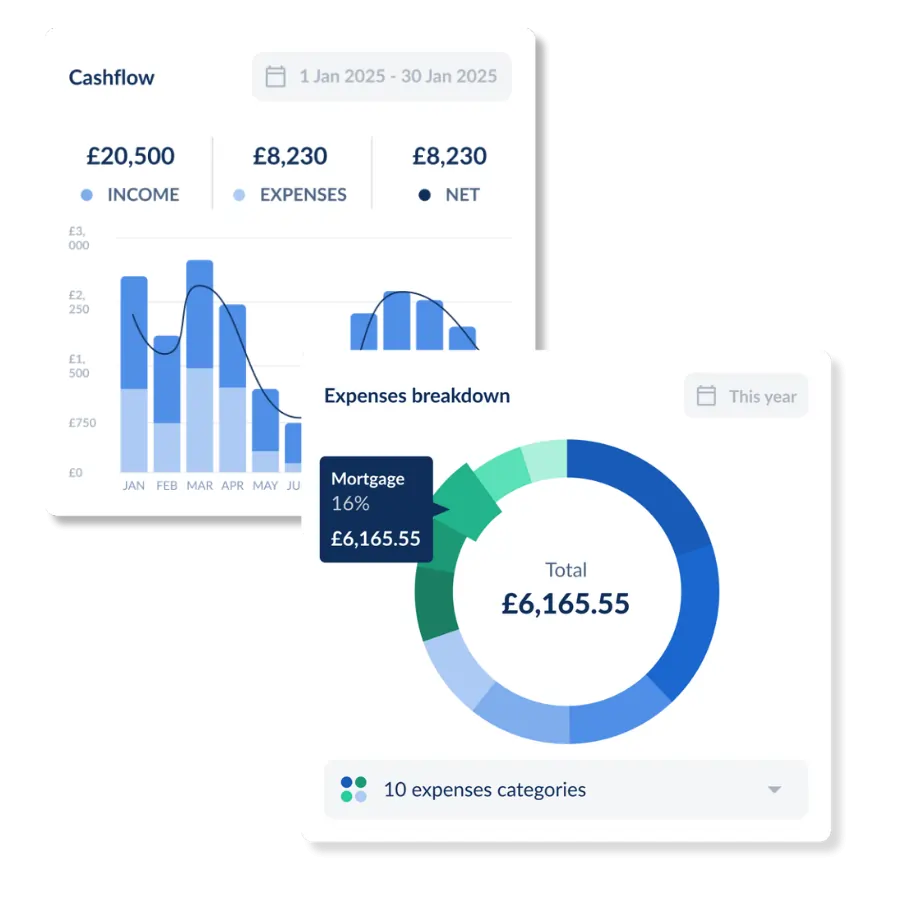
Rental accounting
Track income and expenses for every property and unit, from any device.
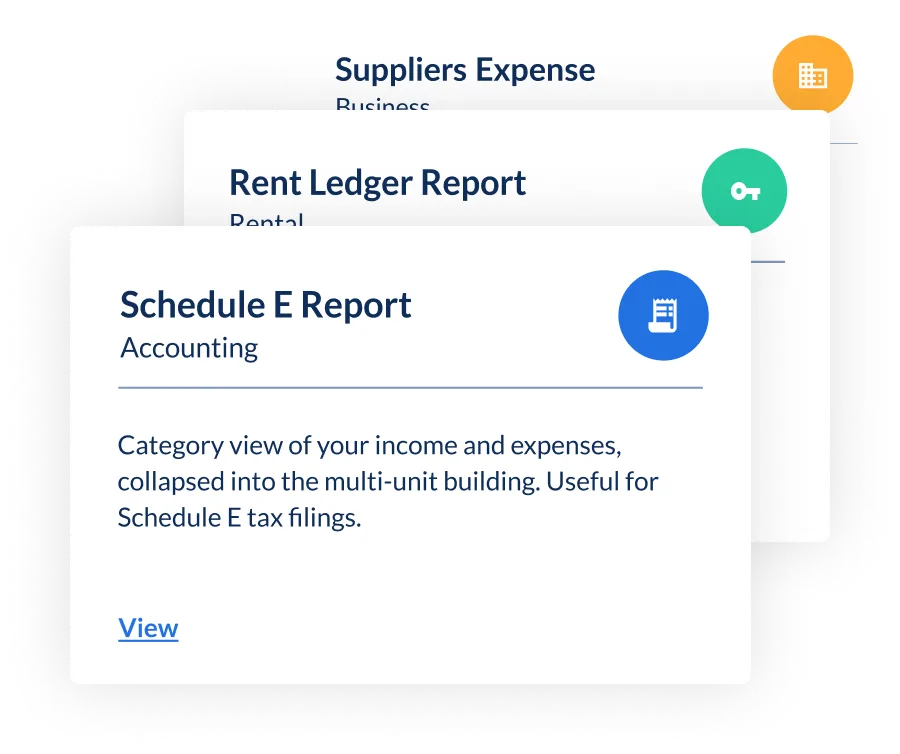
Schedule E reports
Run a Schedule E 1040 report and copy the totals straight onto IRS Schedule E.
Related resources

What Is A Rent Ledger And Why Do You Need One?
A rent ledger records every rent charge, payment and balance for each tenant. See a worked example, download a free template, or automate it.

IRS Requirements and Audit Triggers for Rental Property Owners
The key IRS requirements for landlords, the common audit triggers, and how to simplify tax prep with accounting tools.

How to Report Rental Income on Your Tax Return: Complete 2026 Guide
Reporting rental income on Schedule E in 2026 - what counts as income, which expenses are deductible, and how to avoid an IRS audit.

What Landlords Need To Know About Security Deposit Accounting
Bad security deposit accounting can result in a number of problems from lawsuits to large and unnecessary out of pocket costs for landlords.
FAQs
What is a rent ledger report?

A rent ledger is a record of every rent payment for a property or tenant: the amount due, what was paid and when, and any balance still owed. Landlord Studio builds it from the payments you record, so it's ready whenever you need it.
What's the difference between a rent ledger and a tenant ledger?
The Rent Ledger shows the rent payments made against each property, alongside any overdue amounts. The Tenant Ledger focuses on one tenant, listing the payments due against the payments logged, which makes it the one to share when a tenant asks for their payment history.
Can I give a tenant a copy of their rent ledger?
Yes. Run a Tenant Ledger for that tenant and date range, then download it as a PDF or email it from the app. Tenants are often asked for one when they apply for a new rental.
Is the rent ledger report free?
Rent Ledger and Tenant Ledger are part of Pro's advanced reports, and every new account gets a free 14-day Pro trial. The free Go plan covers up to 3 units with manual income and expense tracking and online rent collection. Prefer a spreadsheet? Download our free rent ledger template.