


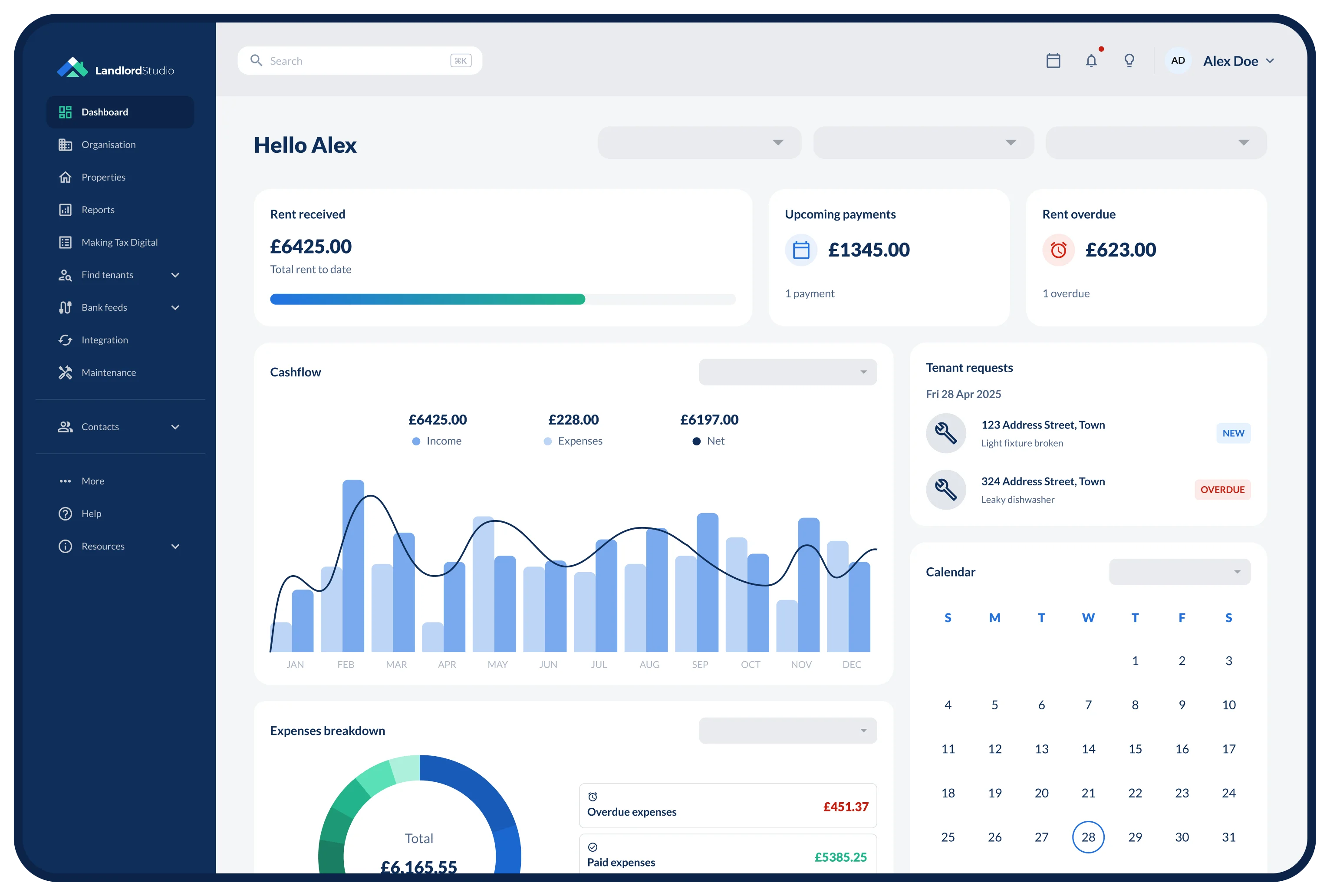





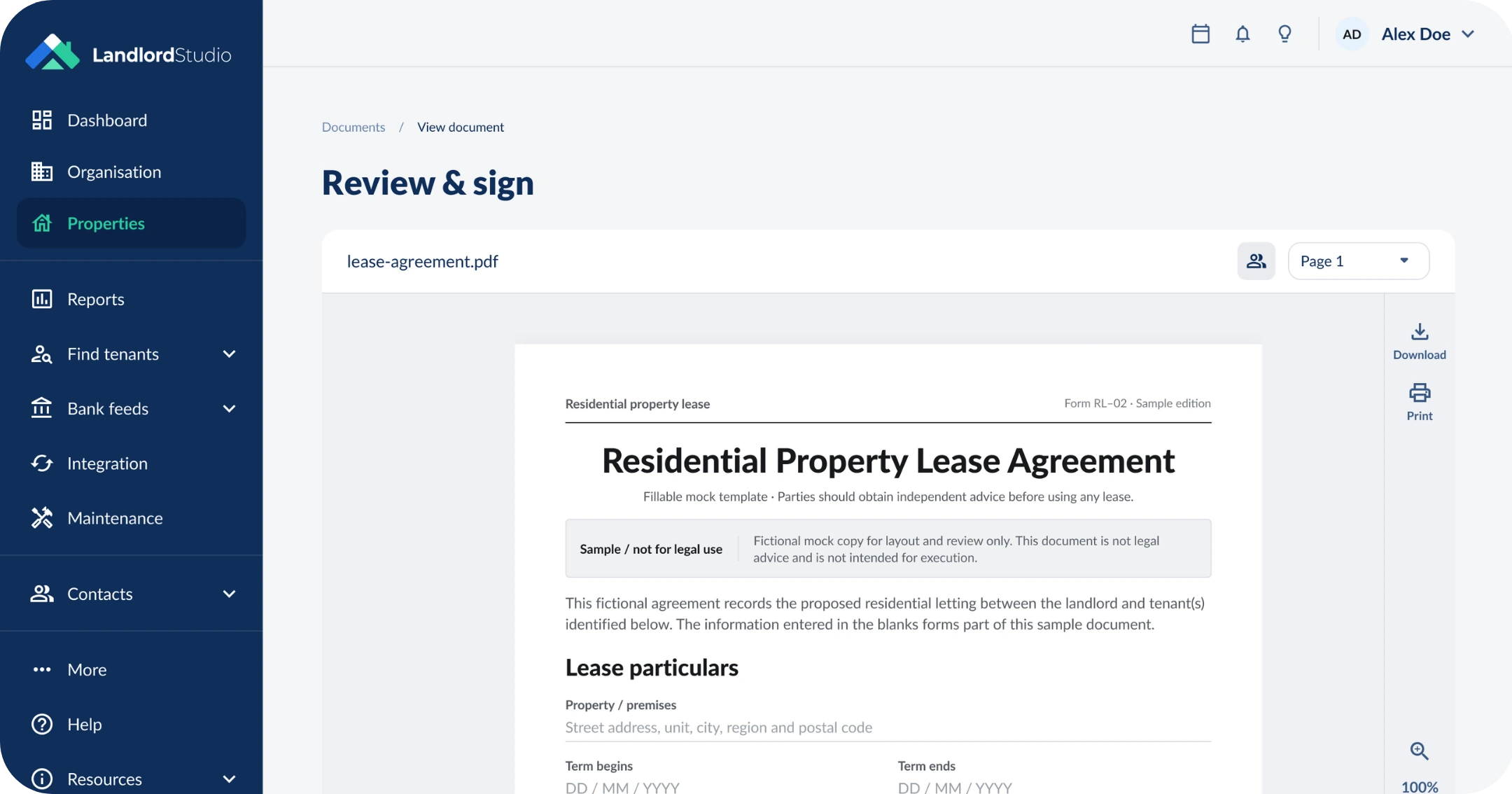


No printer. No scanner. No chasing.
Tenants sign from their phone or computer in a couple of minutes. You see who has signed and who hasn't, and the finished copy files itself against the right property.
Signed in three steps
Upload, invite, done. Everything happens inside Landlord Studio, with no extra e-sign app.
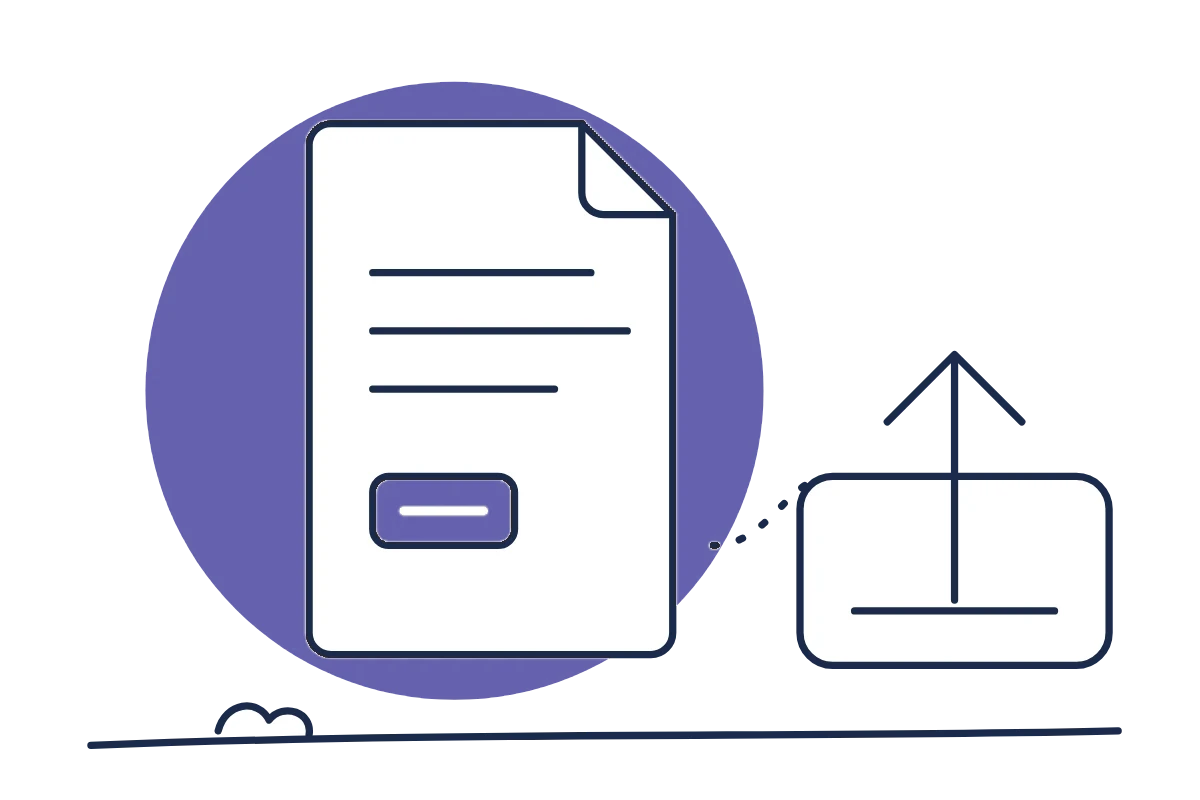
Upload the document
Add your lease or any rental document as a PDF to the property's Lease documents tab.
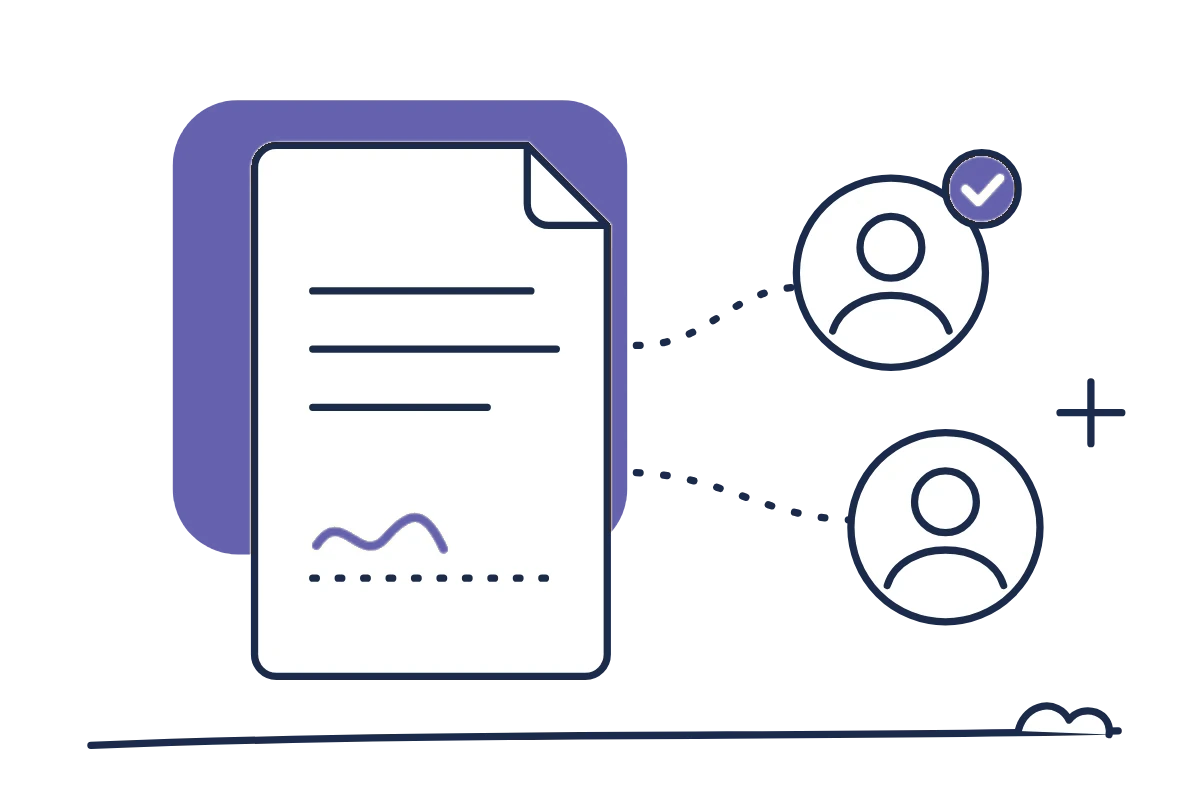
Choose who signs
Select the tenants and co-signers who need to sign, straight from the property.

Send and track
Tenants get an email with a Sign document button. You see the status update as each one signs.
Every rental document, signed and filed
From the first lease to the move-out checklist, send it for signature from the property it belongs to.

Leases and renewals
Send a new lease or renewal for signature as soon as the terms are agreed.

Lease addendums
Pet agreements, parking terms, roommate changes and extensions, signed in minutes.

Disclosures
Get state or property-specific disclosures acknowledged in writing.

Notices and acknowledgements
Send everyday notices and keep a signed record that your tenant received them.

Move-in paperwork
Condition reports, inventories and move-in and move-out checklists.

Signing status
See who has signed and who still needs to, updated as each tenant signs.

Audit trail on every PDF
Each signer's name, email, IP address and signing time, built into the signed copy.

Filed with the property
Signed copies sit in the property's documents, next to the original lease.


Built into your rentals, not bolted on
How signing a lease in Landlord Studio compares with a standalone e-sign app or paper.
Scroll right to see the full comparison.
Features



Cost for landlords
Free during preview
Separate subscription
Paper, ink and postage
Tenant details
From your tenant list
Type each email
Hand-deliver or post
Signed copy filed to the property
Automatic
Download and file it
Scan and file it
Audit trail
Built into the PDF
Yes
No
Status for each tenant
Live
Yes
Chase by phone
Re-send to unsigned tenants
One click
Yes
Print it again
Rent, screening and books in one app
Yes
No
No
E-sign is free for up to 5 documents
Send documents for signature on any plan. Your plan sets out how many can be signed and stored.
Larger portfolio? Pro Plus adds unlimited document storage and 10 users from $28/month billed annually.
Prices in USD. Pro is $15 month to month, with 3 units included and $1.20 for each extra unit.
Loved by US landlords
Landlords who left the paperwork behind
Leases, rent and records, all in one place.
10,000+
landlords
20
signers per request
4.8 ★
App Store rating
4.9 ★
Capterra rating
"I realized that QuickBooks wasn't quite sufficient and I started to look around for an affordable tool to replace my spreadsheets and chose Landlord Studio."

Texas, USA
“My dad’s 75 and has over 20 units – Airbnbs, apartments and commercial. We needed a software to help us and Landlord Studio’s been the one. It’s made it so easy for him.”

Ohio, USA
"I tested out several other programs before purchasing Landlord Studio and I'm very happy with it so far. One of my favorite features is the ability to just snap a picture of a receipt and put it in the correct rental unit expense."

Chicago, USA
"Managing 20 rentals alone was overwhelming, but Landlord Studio became my one-stop shop. It simplified bookkeeping, rent, leases, and taxes — even my CPA loves it."

Tallahassee, USA
"I found Landlord Studio so much easier to understand after I looked at AppFolio, RentRedi, and Buildium. All three of them were so hard to understand."

North Carolina, USA
Guides
E-signatures and leases, explained

Are Digital Signatures Legal for Leases and Landlord Docs?
Yes, digital signatures are legally binding on US leases under the ESIGN Act and UETA. Learn the four rules, exceptions, and how to keep them airtight.

Best eSign Tools for Tenant Leases and Landlord Docs (2026)
Compare the best eSign lease tools for landlords. Find the right e-sign tools to help manage leases and agreements for your rentals.

How to Lease a Property: The Full Process For Landlords
Learn the full property leasing process, from preparing your rental and screening tenants through to managing the lease and handling move-outs.

Non-Renewal Lease Letter: Free Template for Landlords (2026)
Free non-renewal lease letter template for landlords, plus notice-period rules and exactly what to include so the tenancy ends cleanly.
Are Digital Signatures Legal for Leases and Landlord Docs?
Best eSign Tools for Tenant Leases and Landlord Docs (2026)
How to Lease a Property: The Full Process For Landlords
Non-Renewal Lease Letter: Free Template for Landlords (2026)
FAQs
E-signature questions, answered
Legality, documents, tenants and cost.
What is an e-signature?

An e-signature, or electronic signature, lets you sign documents online instead of printing, signing and scanning paper. For landlords, it means you can send leases, addendums and forms to tenants, have them signed on any device, and keep every signed copy stored in one place.
Is an e-signed lease legally binding?
Yes. In the US, electronic signatures are legally recognized under the federal ESIGN Act and UETA, so leases and addendums signed electronically are as binding as handwritten ones, as long as both parties agree to sign electronically. Check your state for any extra rules.
What documents can I send for e-signature?
Any PDF, including leases and renewals, addendums such as pet or parking agreements, disclosures, notices, move-in checklists and condition reports. Upload it to the property's Lease documents tab and send it for signature.
Are there documents that should not be e-signed?
Some documents still need paper or a specific delivery method, including notices of eviction, default or right to cure for a tenant's primary residence, court filings, and anything your state requires to be notarized.
How do my tenants sign?
They get an email titled 'Your Signature Is Requested', click Sign document and sign in to the tenant portal. They review the document, draw their signature with a mouse, finger or stylus, type their full name and click Sign & Submit.
How many people can sign one document?
Up to 20 recipients per request, so co-tenants and co-signers can all sign the same lease. You can sign it too.
How do I know when a lease is signed?
You can follow each request's progress from the property and see who has signed and who still needs to. Re-send the request to anyone who hasn't signed, or cancel it at any time.
What happens to the signed copy?
Once everyone has signed, Landlord Studio creates a final PDF with an audit trail showing each signer's name, email, IP address and signing time. It's emailed to every signer and saved with the property's documents.
How much does e-sign cost?
5 e-signed documents are included on every free plan. Unlimited e-signed documents on Pro and Pro Plus.