























































































Bridges Estate Agents Making Tax Digital webinar replay
Watch the webinar replay
In partnership with
Bridges Estate Agents
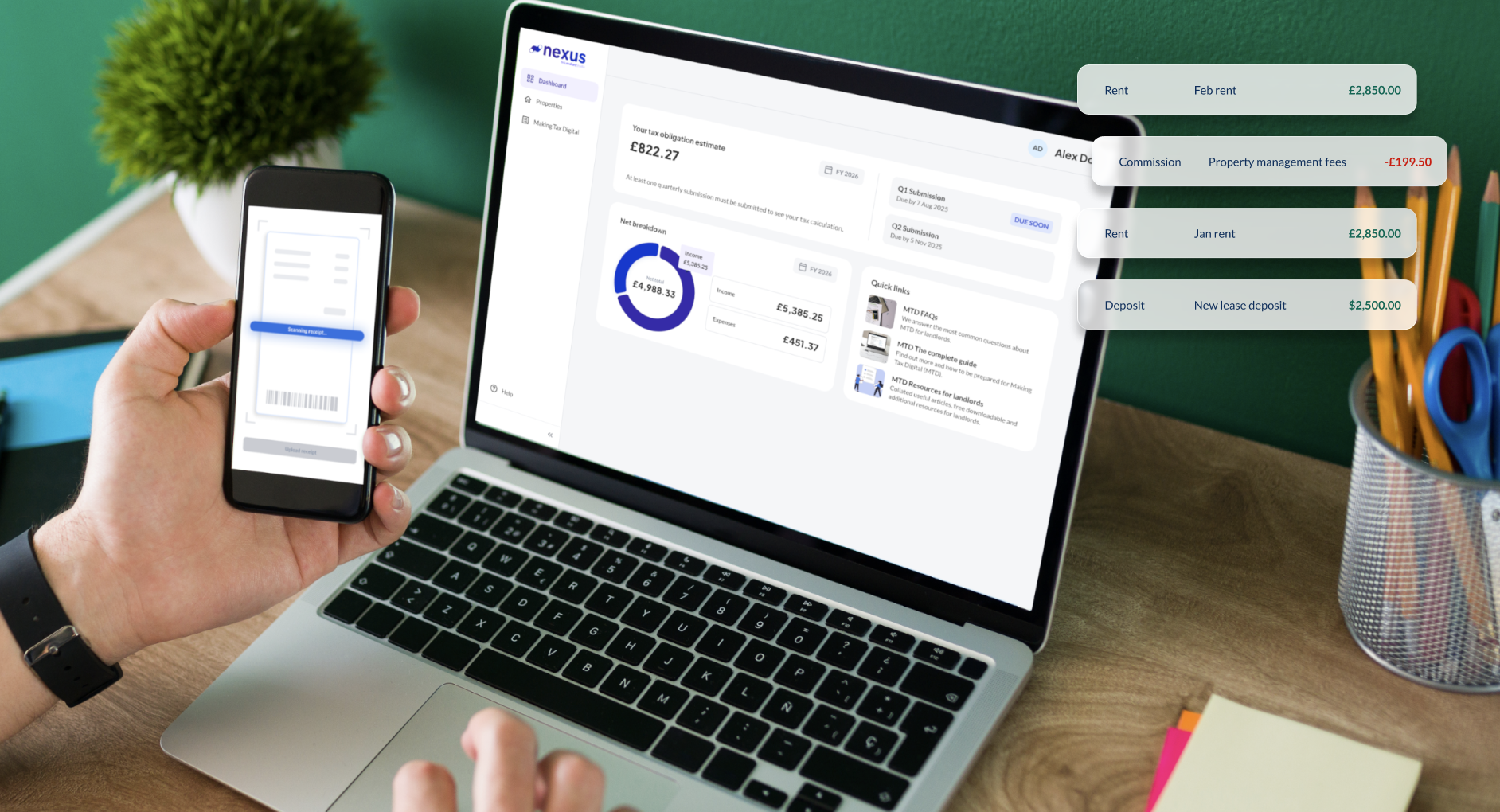
Nexus has partnered with your agent to help managed landlords prepare for Making Tax Digital. Rental income and expenses managed by your agent flow into Nexus, ready to review and submit to HMRC.

Rental statements weren’t designed for Making Tax Digital.
Making Tax Digital requires digital records that can be reviewed and submitted every quarter. That often means rebuilding figures or manually entering them into tax software.
Nexus transforms the rental income and expenses your agent already records into organised digital records—ready for review and quarterly HMRC submissions.
1
Bridges Estate Agents
2
Review in Nexus
3
Submit to HMRC
What this webinar covers
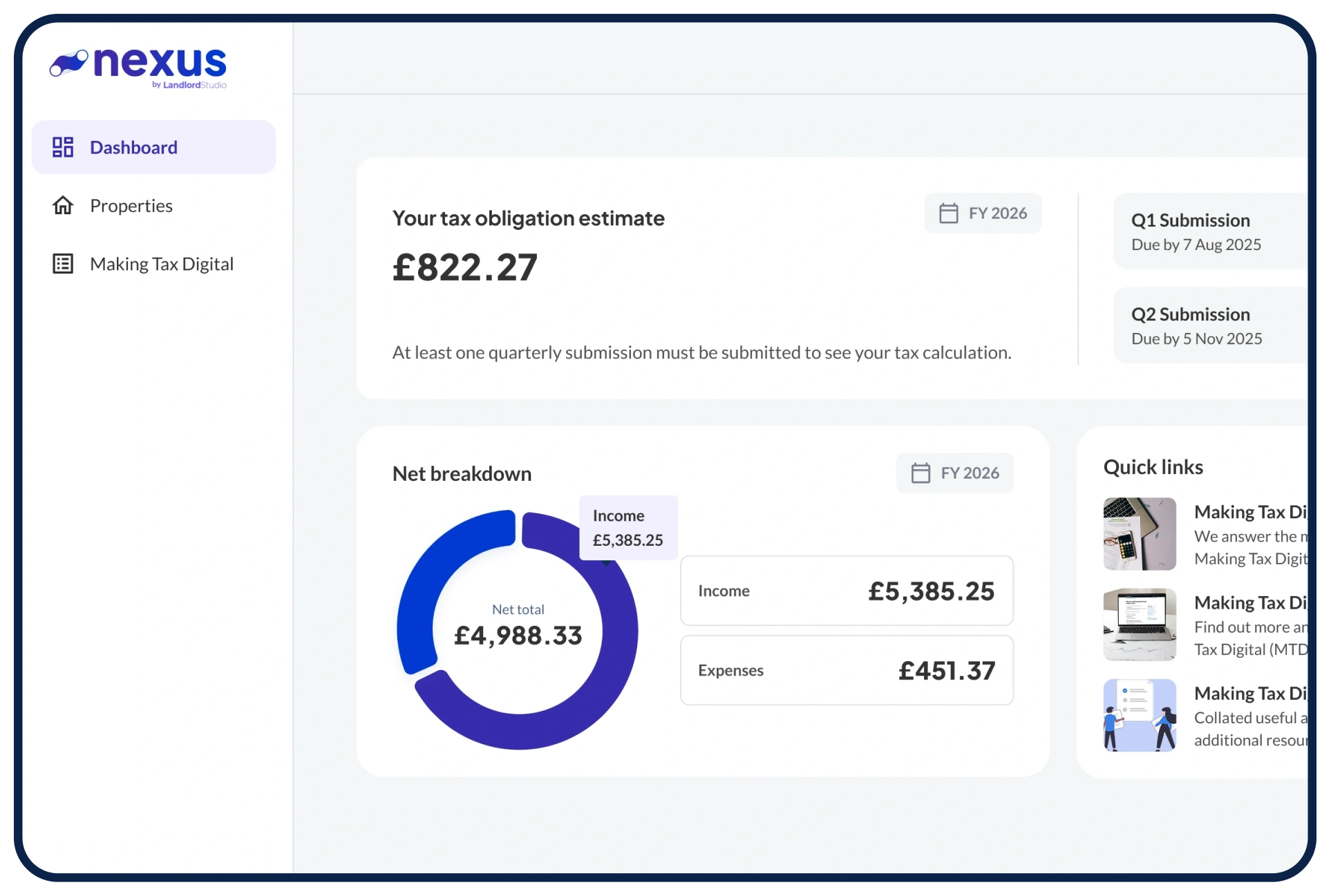
See how your agent’s rental records appear in Nexus, what to review before submitting a quarterly update, and how joint ownership, accountant access and additional properties work.
1
Rental income syncs automatically
Your agent’s rental data appears in Nexus automatically.
2
Review your records
See what needs reviewing before each quarterly submission.
3
Submit to HMRC
Prepare and submit your quarterly update in just a few clicks.
FAQs
Will this change how my property is managed?

No. Your agent continues managing your property as normal. Nexus brings the rental records they already hold into one place.
What if Making Tax Digital doesn't apply to me yet?
The webinar explains how Nexus helps you keep digital rental records and prepare for Making Tax Digital. You can see how it works before you need to take action.
Can my accountant use Nexus?
Yes. You can invite your existing accountant to review your records, make adjustments and submit on your behalf.
Can I ask questions during the webinar?
Live attendees can ask questions during the Q&A. If you are watching a replay, it is a recording and questions cannot be submitted live.
Ready to get started?
Less paperwork. Clearer records. A simpler way to prepare for Making Tax Digital.